Ideas for Your Linkzter
One keychain, endless uses. Pick an idea, write it with the Linksterz app, and change it whenever you like.
Business & Networking
Make a lasting first impression.
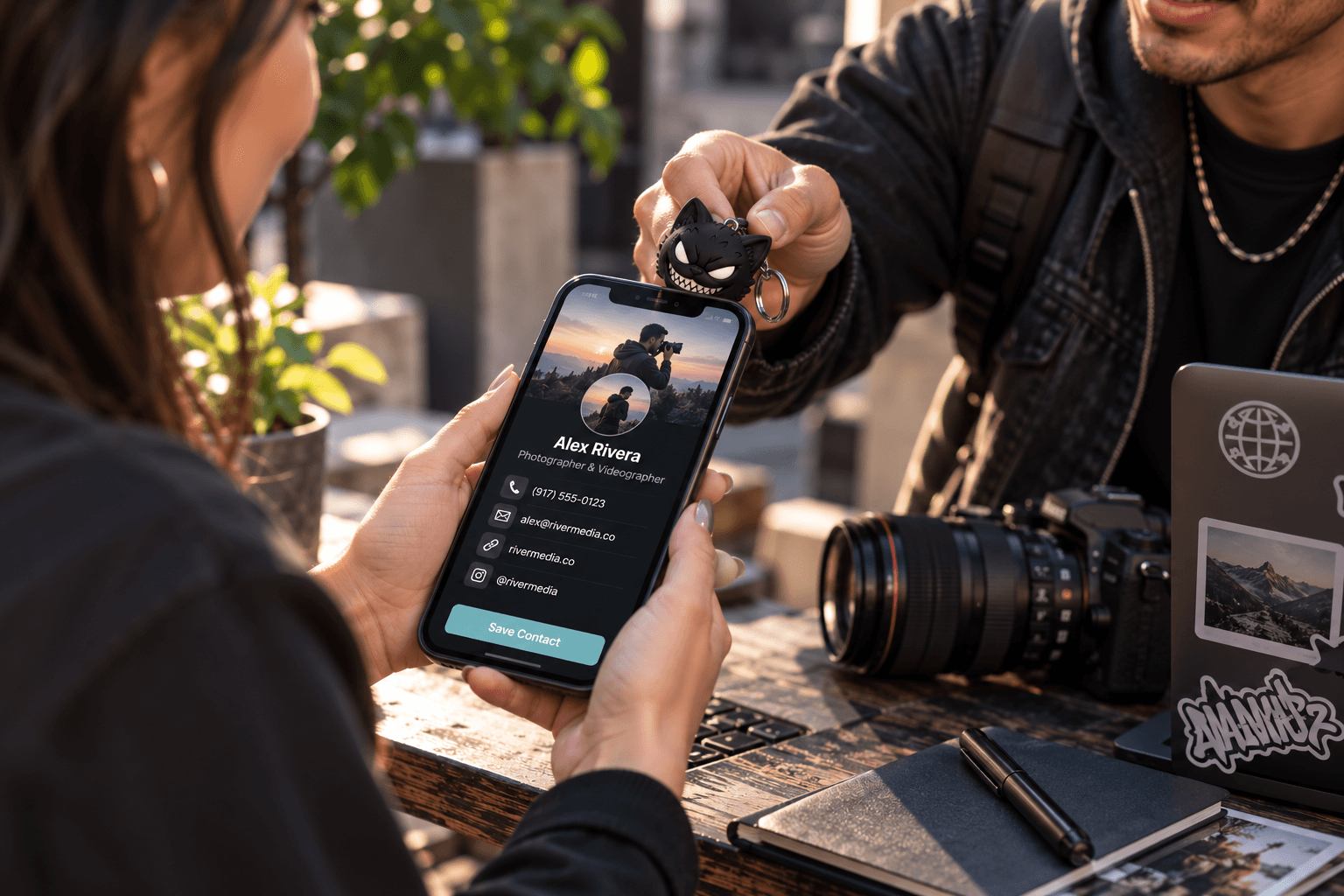
Digital business card
Save your name, number, email, and company straight to their contacts. No more paper cards that end up in a drawer. One tap adds you to their phone's contacts, so they can call, email, or find you later without retyping a thing.
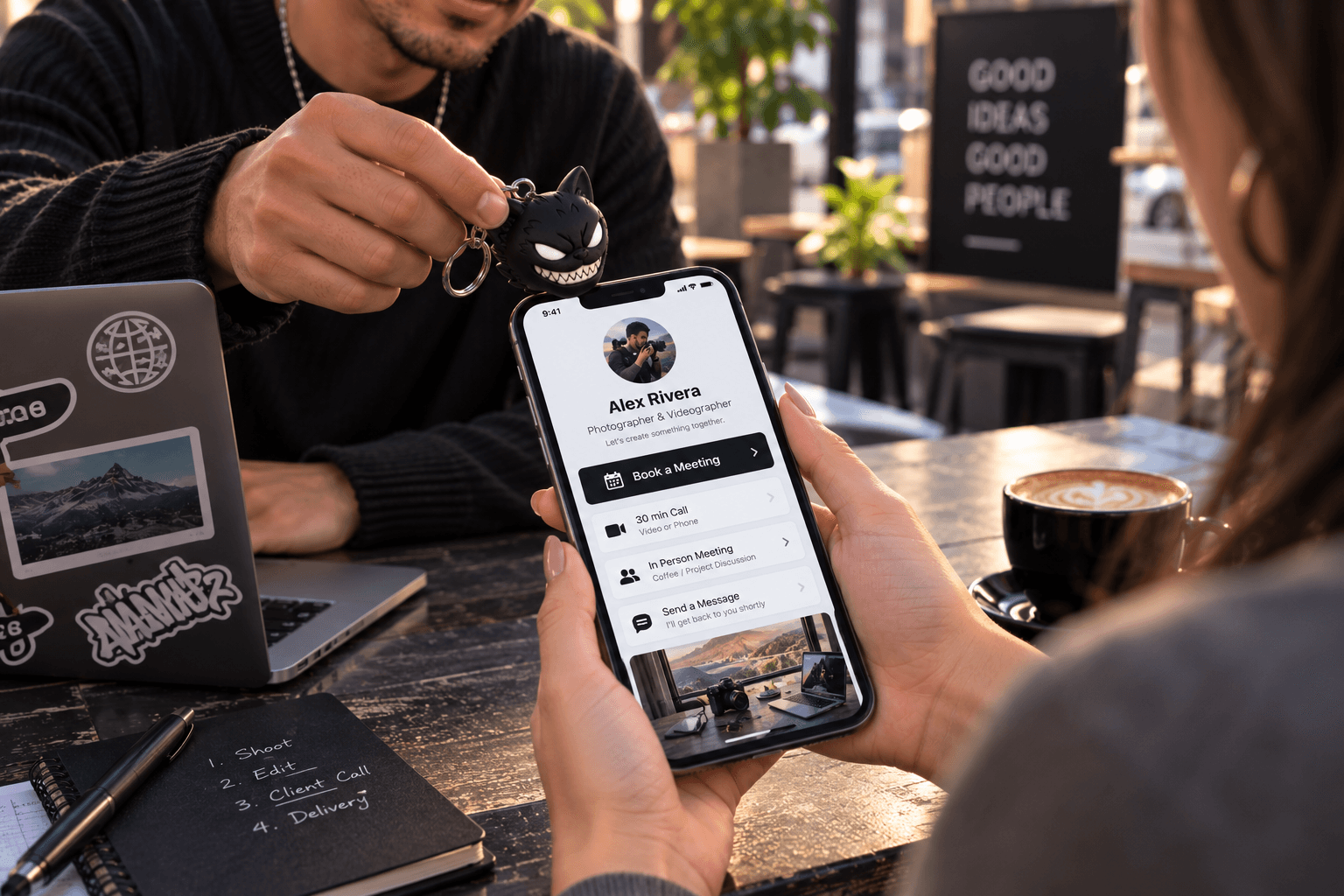
Book a meeting
Open your booking calendar so clients can schedule a call. Link your Calendly, Cal.com, or other booking page. Clients pick a time that suits them on the spot, so the conversation turns into a confirmed meeting before they've left.
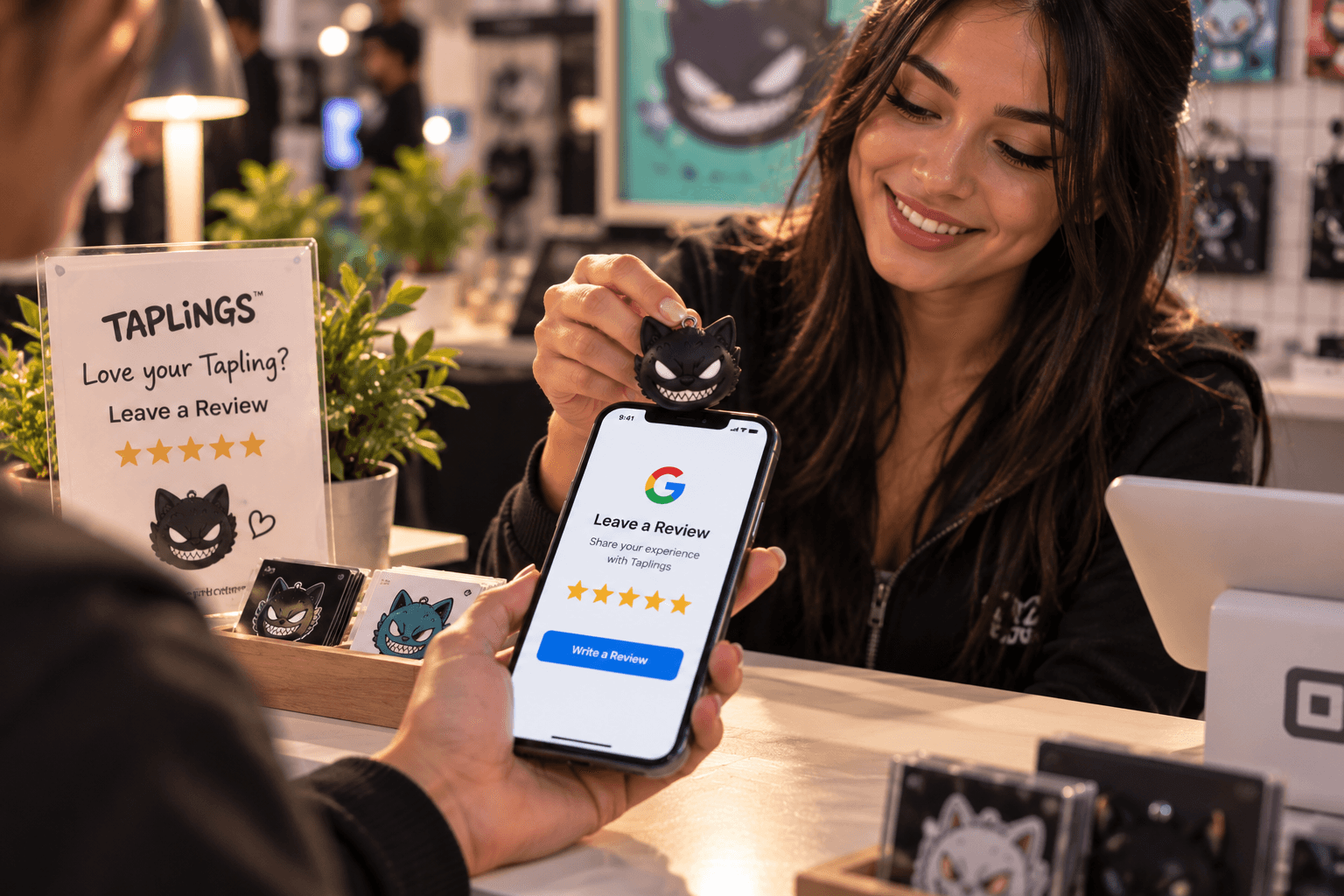
Leave a review
Link customers to your Google or Yelp review page after a visit. Ask while the experience is fresh. Keep a Linkzter at the counter or on your keys, and happy customers can leave a review in seconds instead of searching for your business later.
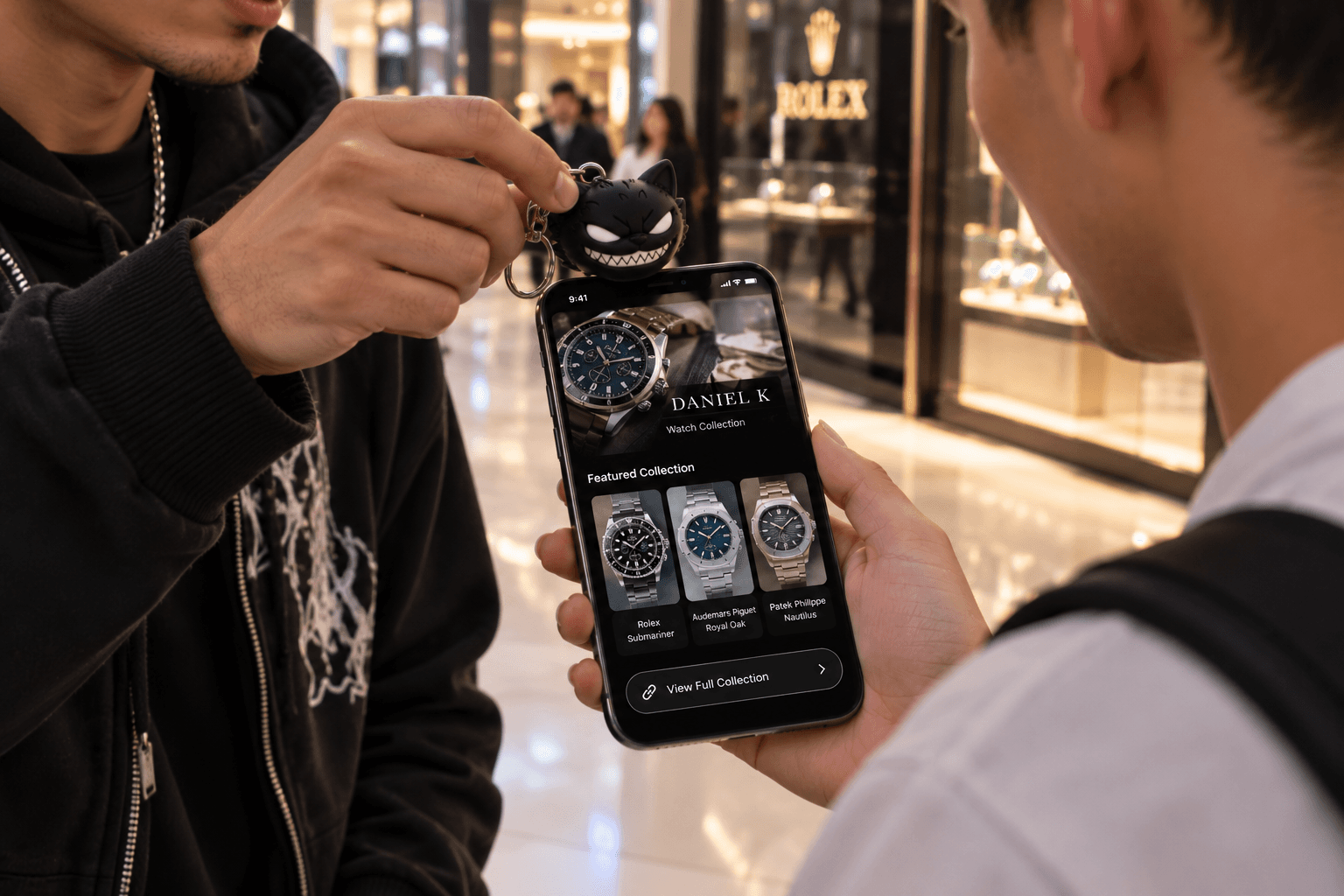
Menu or price list
Show your menu, services, or current offers without printing anything. Link a menu, catalogue, price list, or collection page. Update the page whenever prices or stock change, and every tap shows the latest version without reprinting anything.
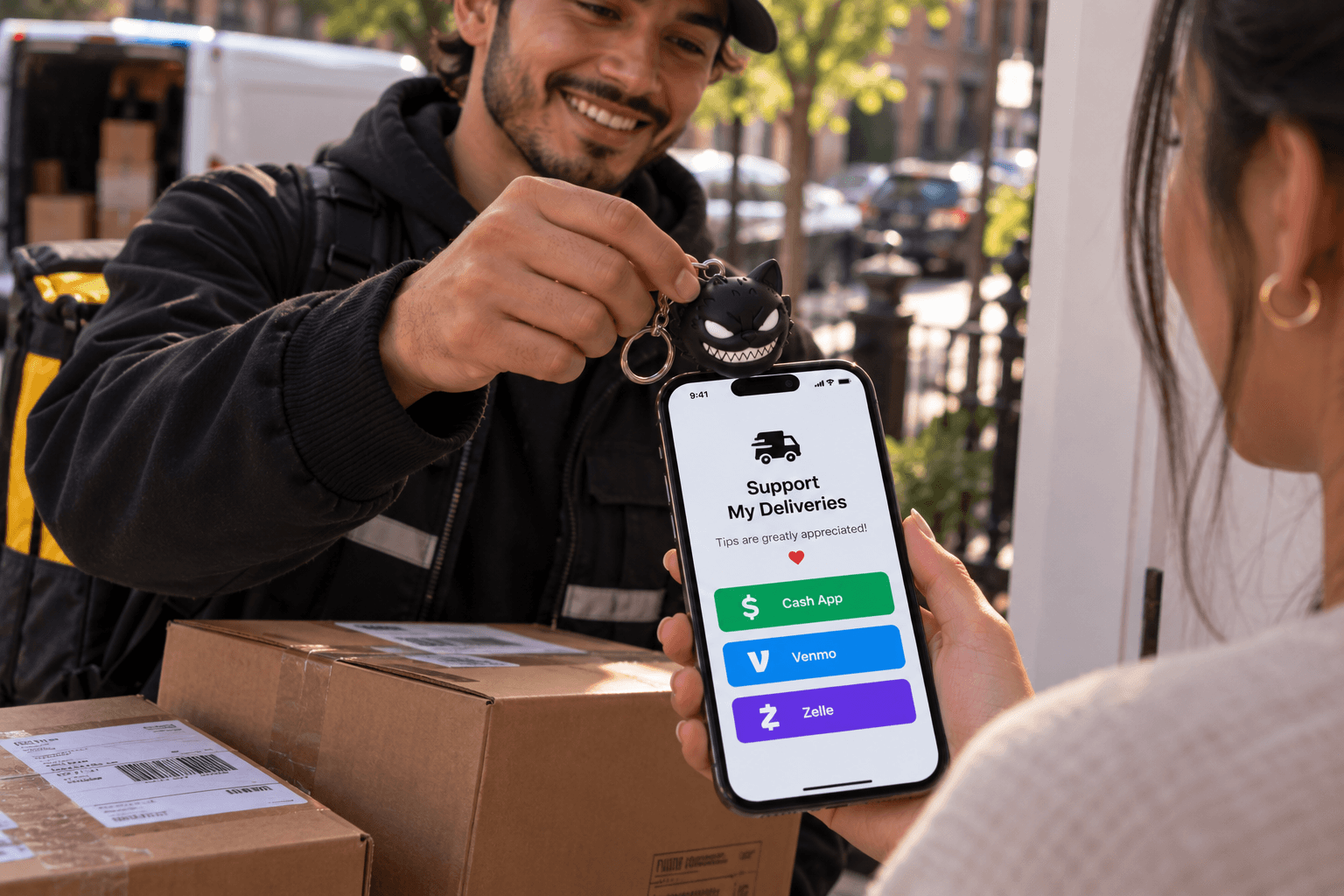
Get paid
Open your PayPal, Venmo, or Cash App payment page. Perfect for tips, deliveries, market stalls, and freelance work. Link one payment page, or a page that lists all the ways you accept money, so customers can pay the way they prefer.
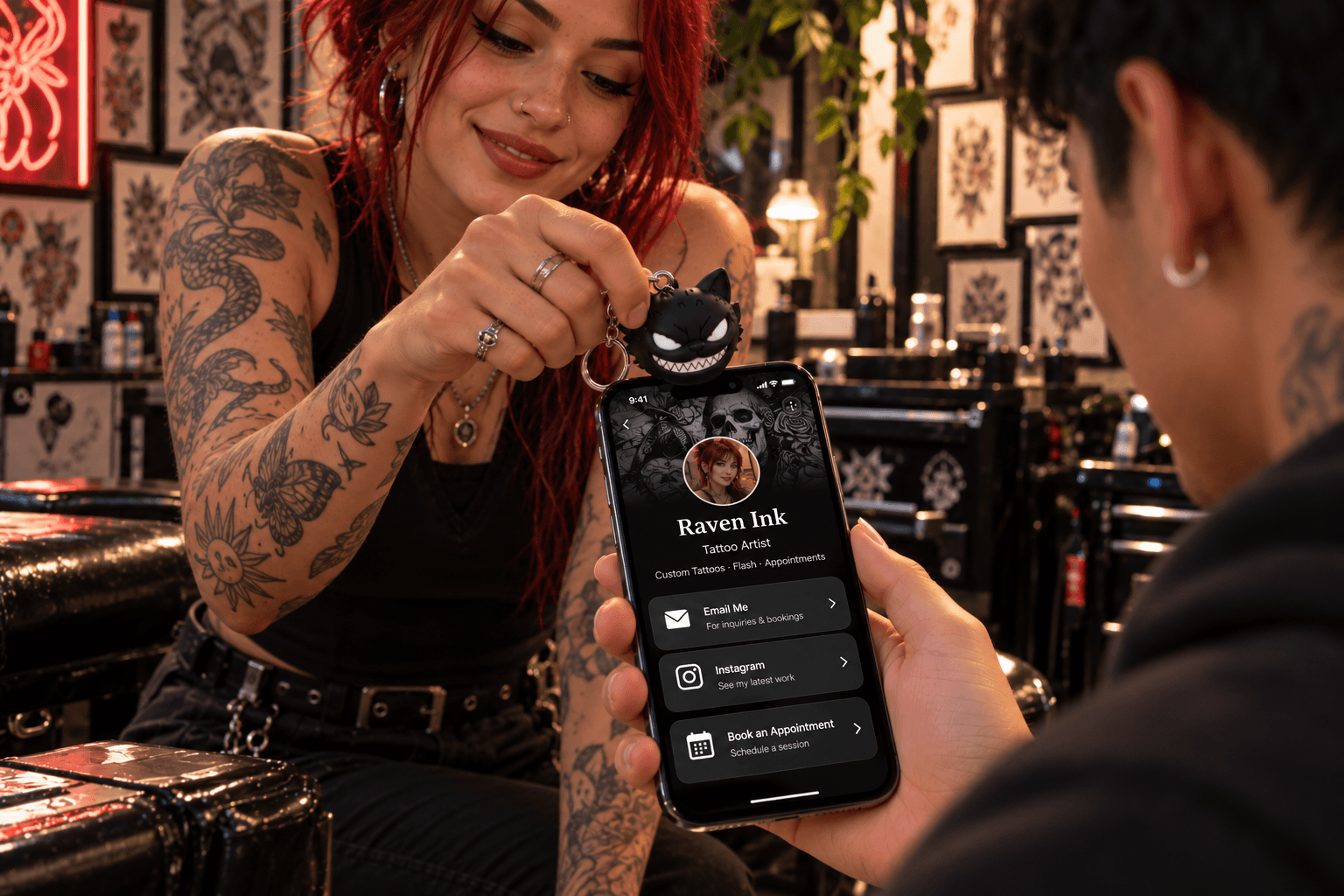
Email me
Start a pre-filled email for enquiries, quotes, or support. Set the address, subject, and message in advance, so enquiries arrive ready to answer. Customers just add their details and hit send.
Home & Everyday
Little shortcuts for daily life.
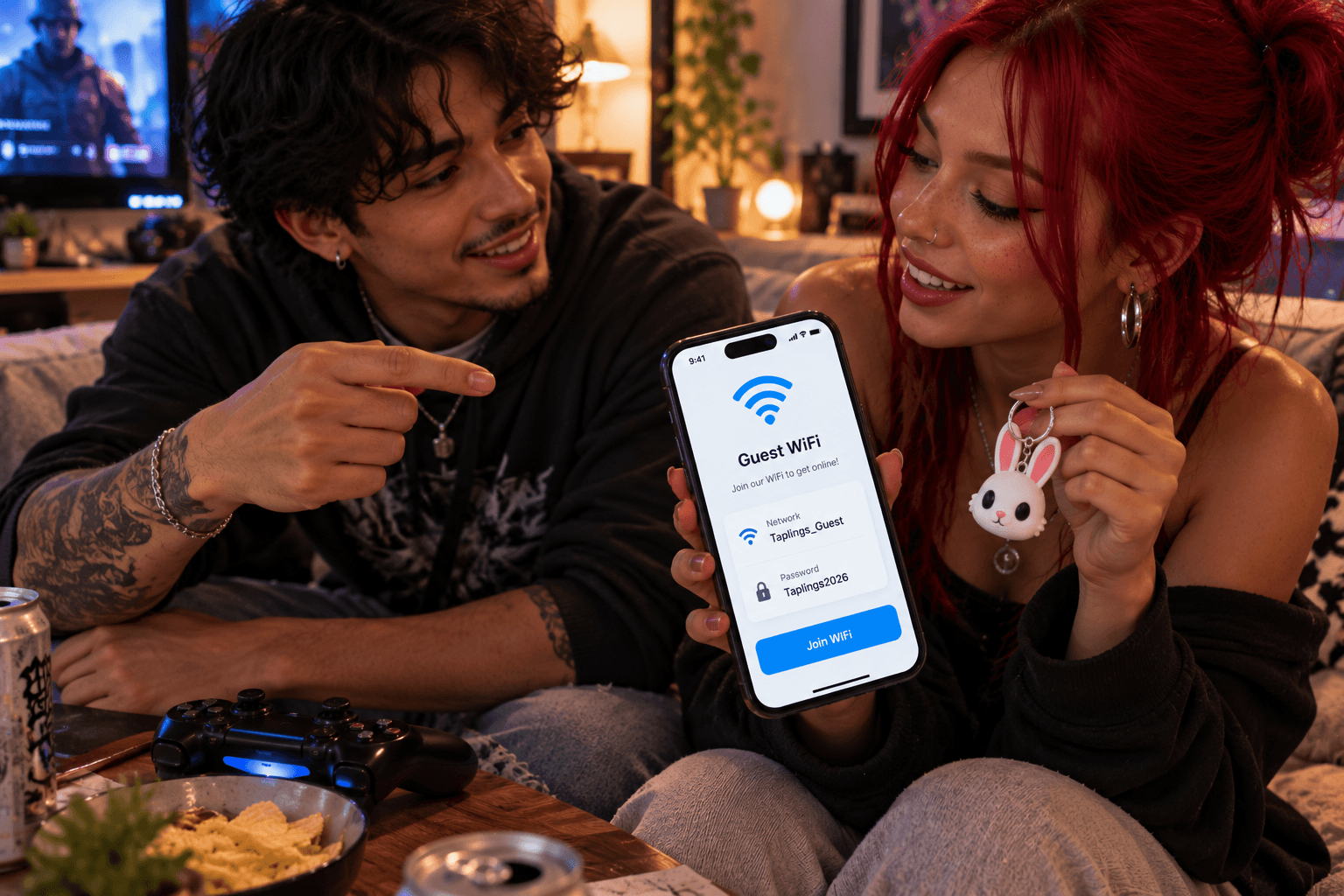
Guest Wi-Fi
Let visitors see your Wi-Fi name and password with a tap. No more spelling it out. Keep a Linkzter by the router or on the coffee table so guests can get online without reading out a long password. If you change your password, just rewrite the Linkzter.
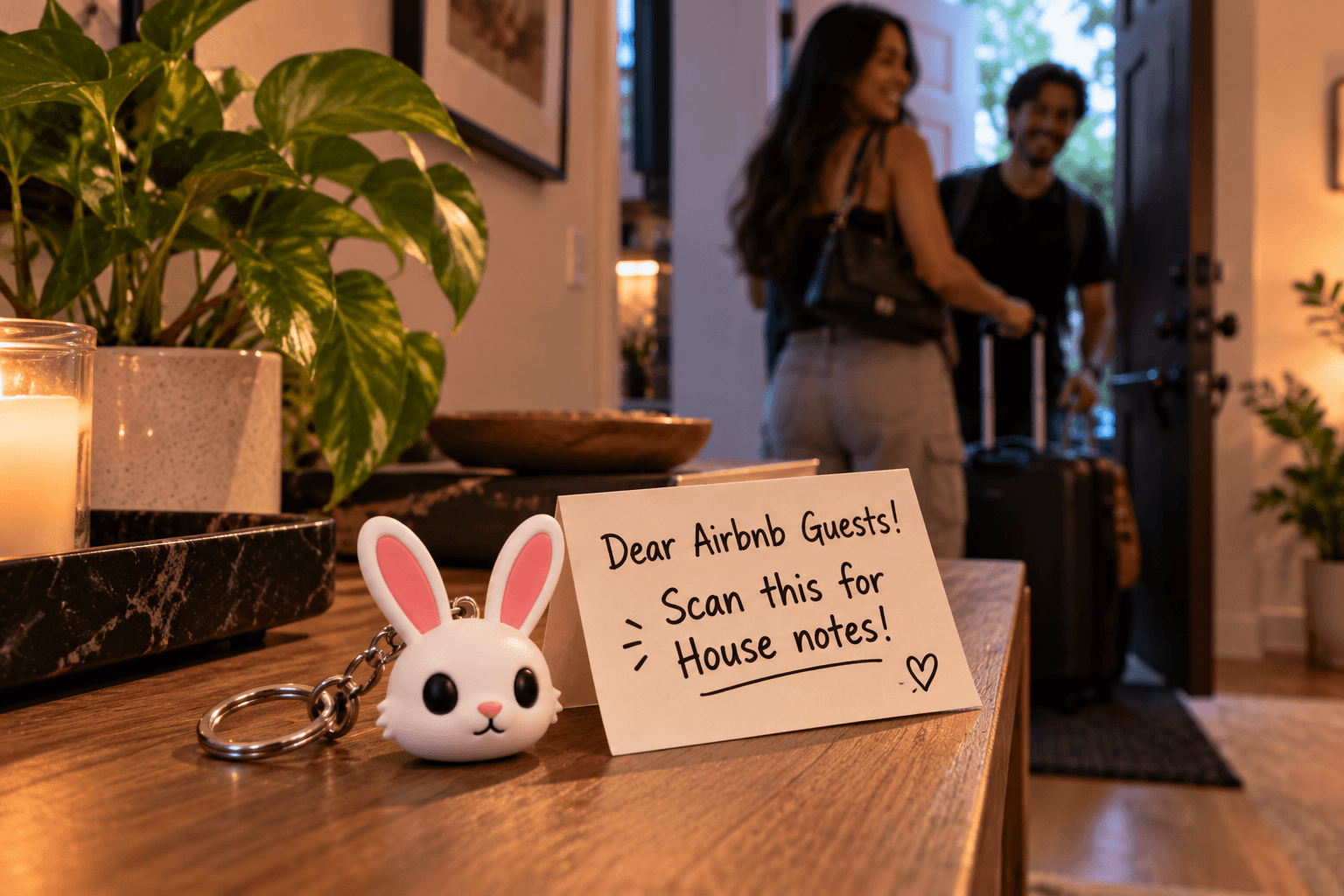
House notes
Leave instructions for sitters, guests, or roommates. Perfect for holiday rentals, pet sitters, and babysitters. Add check-out times, house rules, or where things are kept, and update the note whenever something changes.

Call home
Give family members a one-tap way to call you. When the day's going wrong, home should be one tap away. Clip one to your keys, a child's backpack, or a grandparent's bag so calling home never means searching contacts or remembering a number.
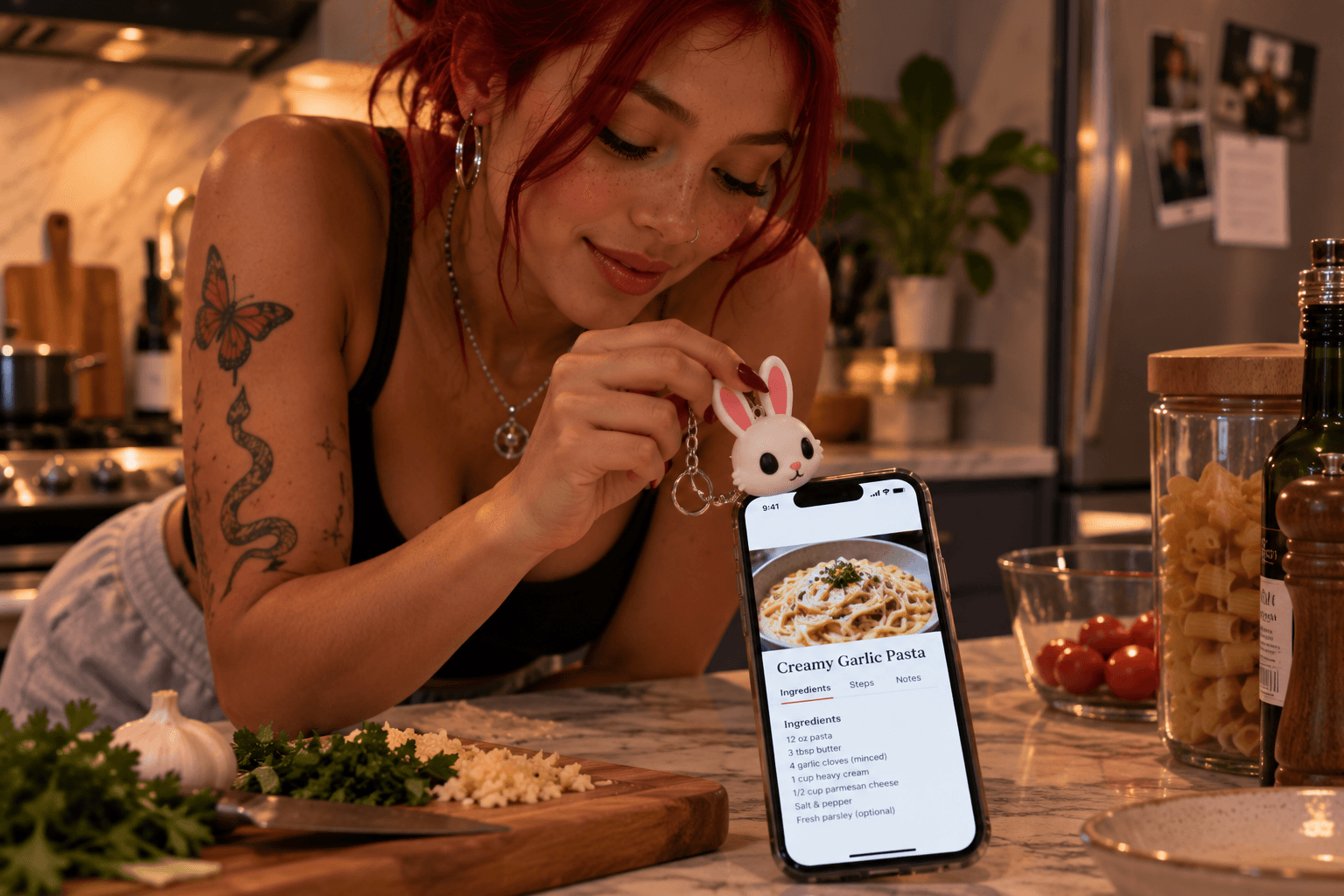
Recipes and manuals
Keep a favourite recipe or an appliance manual one tap away. Keep a Linkzter in the kitchen for the recipe you always make, or stick one near the washing machine or coffee maker to bring up its manual. No more scrolling or searching with messy hands.
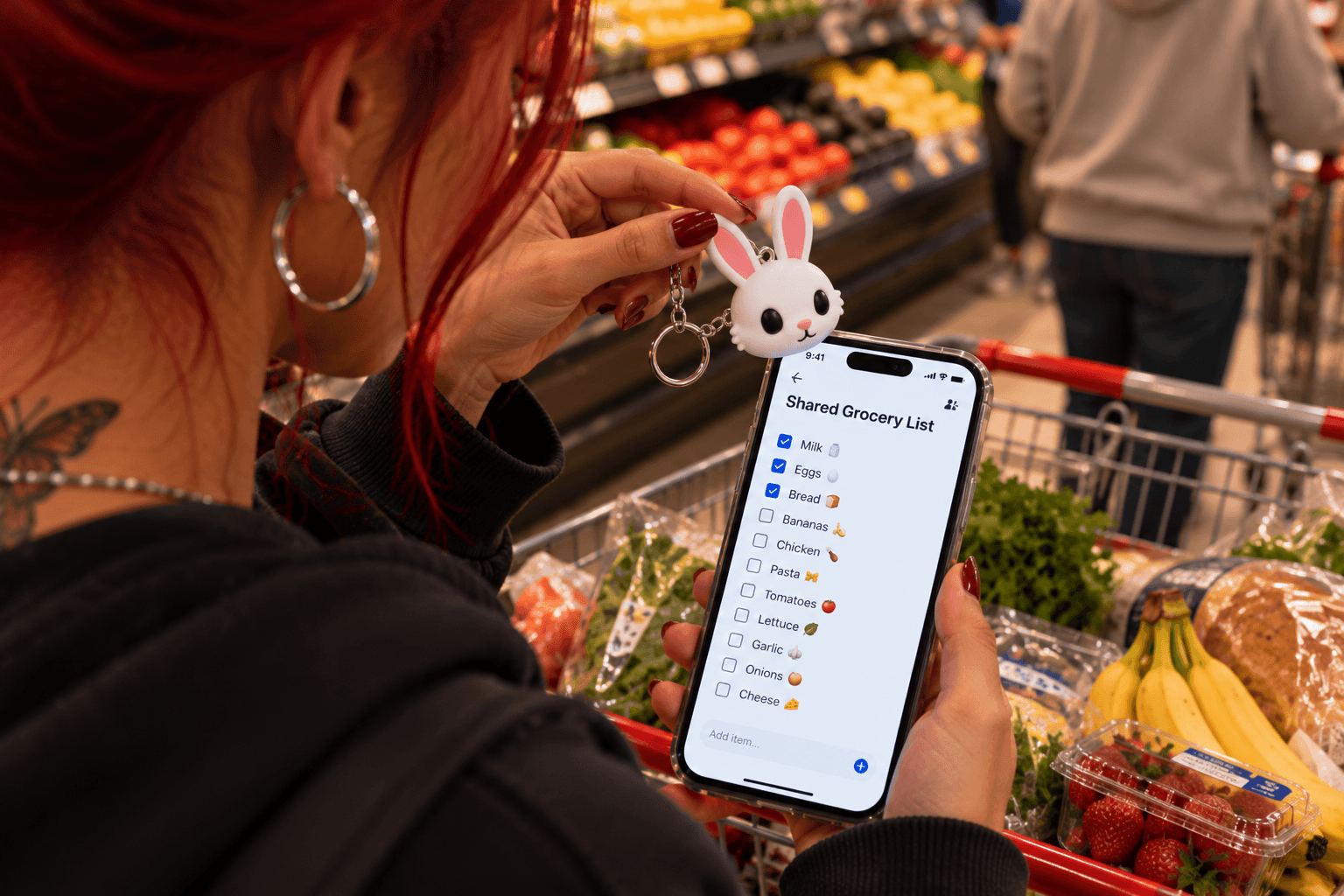
Shared lists
Open a shared shopping or to-do list for the whole household. Link a shared list from Google Keep, Apple Notes, or any list app, and everyone in the house opens the same list. Tick things off in the shop and the list updates for everyone.
Gifting & Fun
Turn a keychain into a surprise.
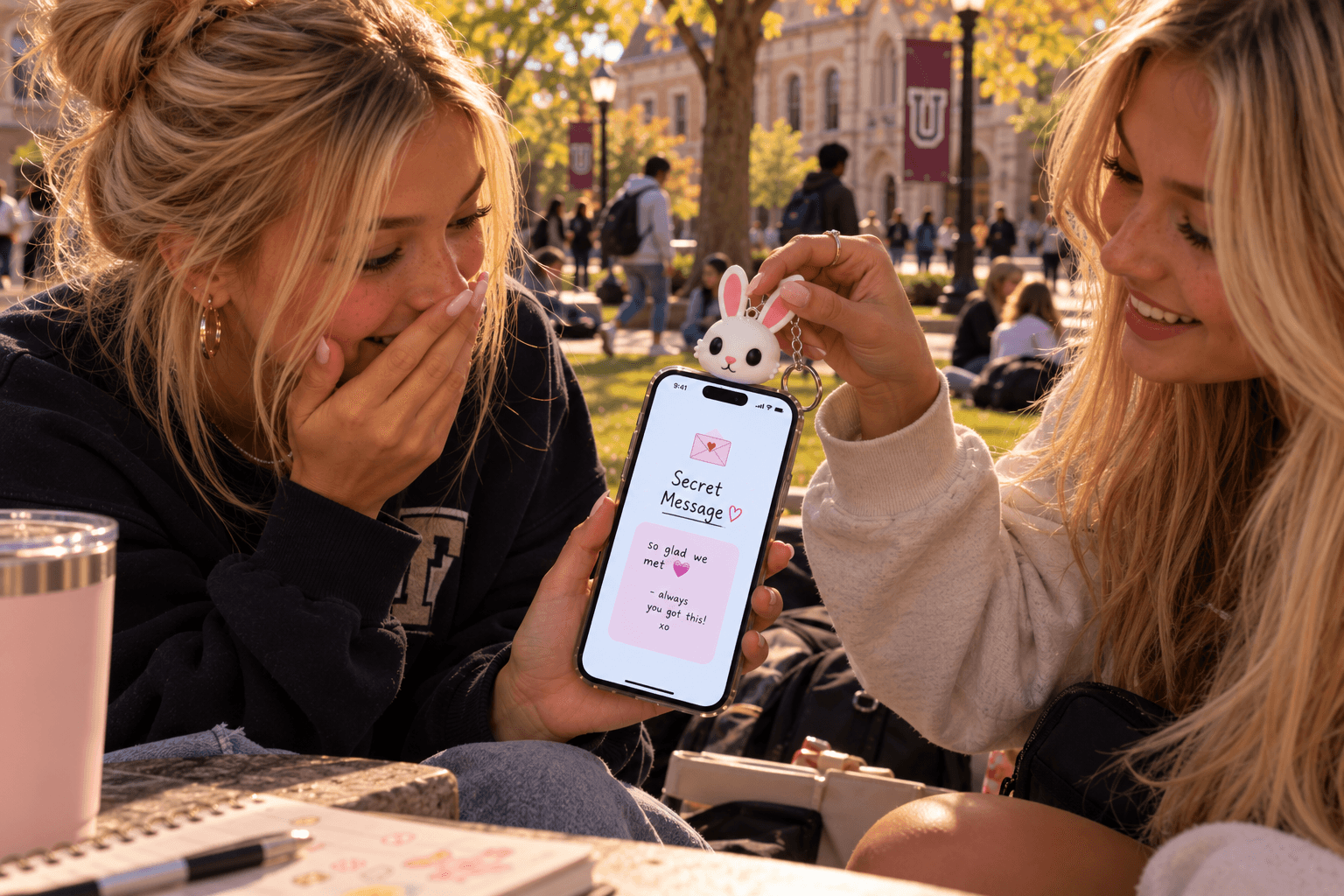
Secret message
Hide a note, inside joke, or birthday message for someone special. Write a note only they'll see, then hand over the Linkzter as the gift. Change the message for birthdays, exams, or just because, and they'll never know what's next until they tap.
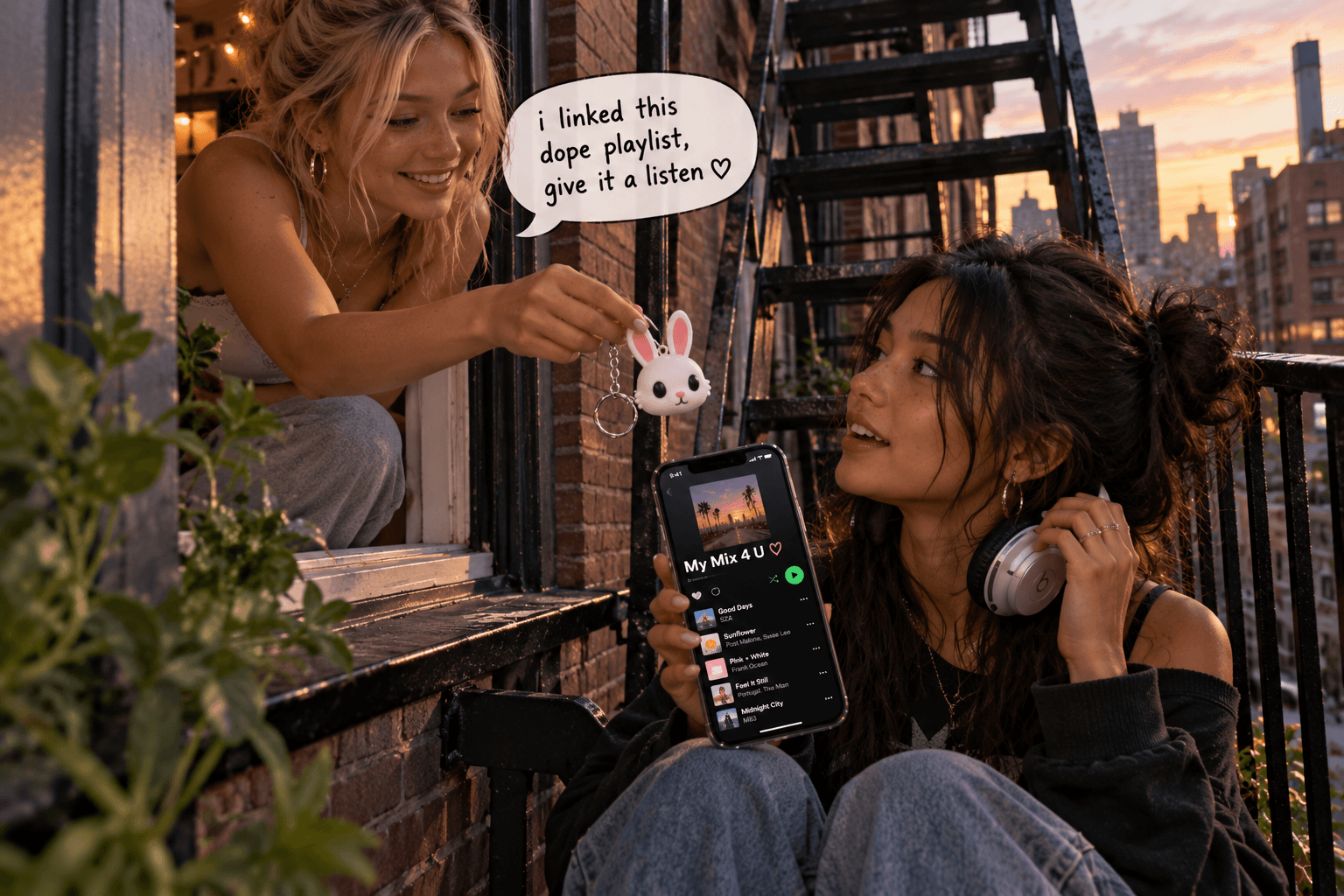
Playlist gift
Give a playlist made just for them. Make a playlist for a friend, partner, or road trip, and link it to a Linkzter they can keep on their keys. Add songs over time and the gift keeps growing.
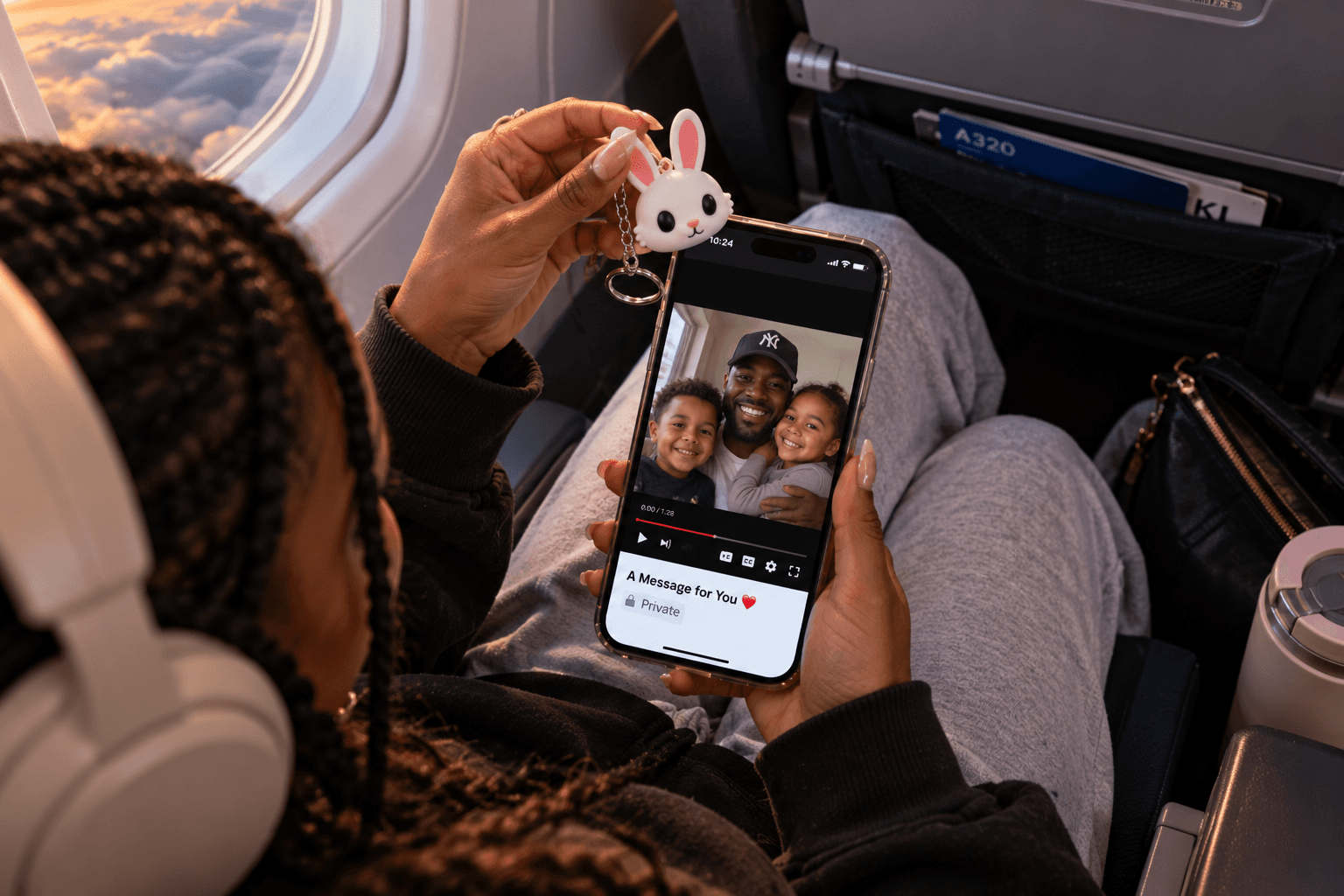
Video message
Link to a private video greeting they can rewatch any time. Record a greeting for someone who's travelling, moving away, or celebrating, and link it from YouTube, Google Drive, or another video service. Set the video to private or unlisted so only people with the Linkzter can watch.
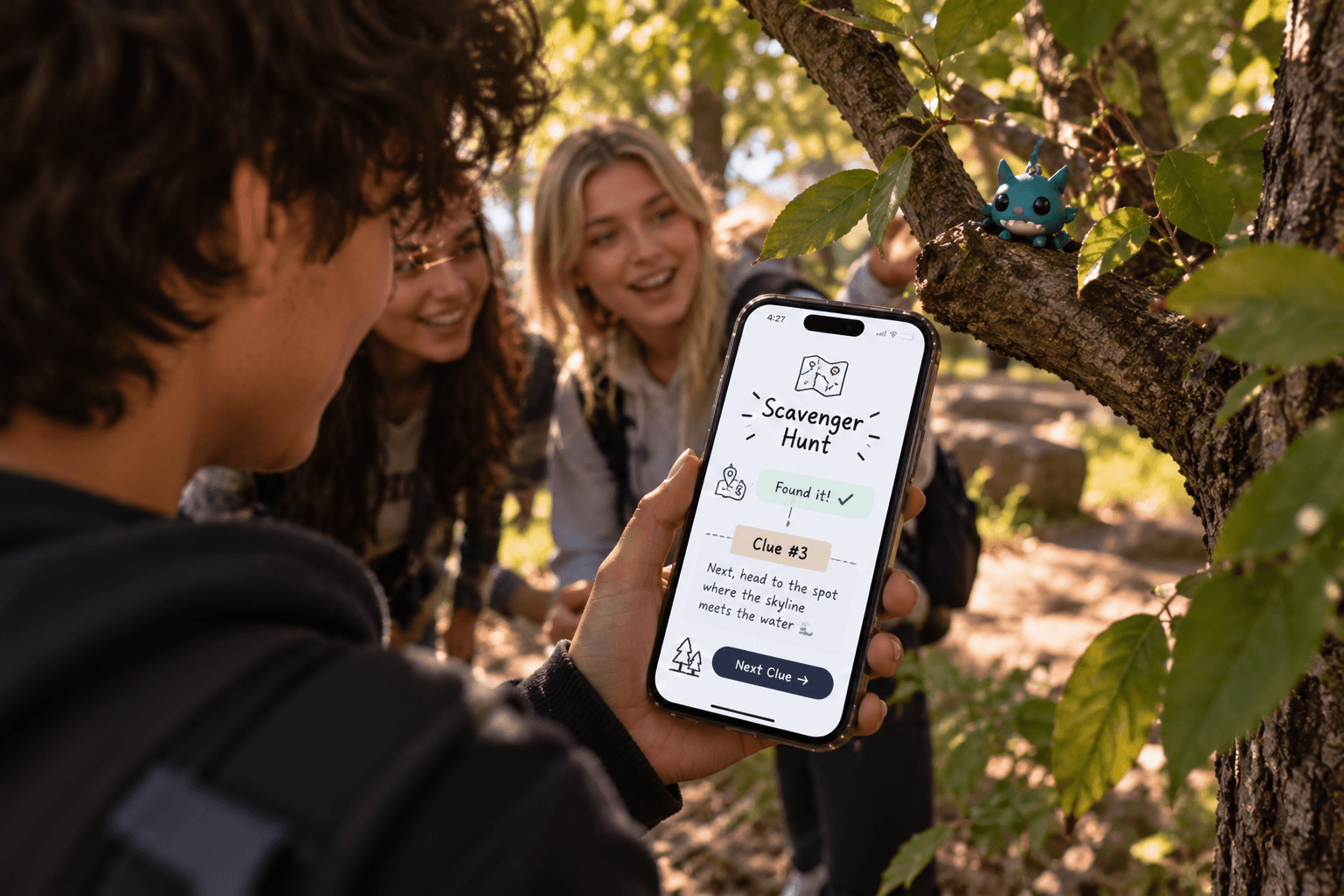
Scavenger hunt
Hide Linksterz with clues that lead to the next one. Hide a few Linksterz around the house, park, or party, each with a clue to the next spot. Rewrite them for every new hunt, which makes them great for birthdays, team days, and kids' parties.
Essentials
Helpful information when it's needed.
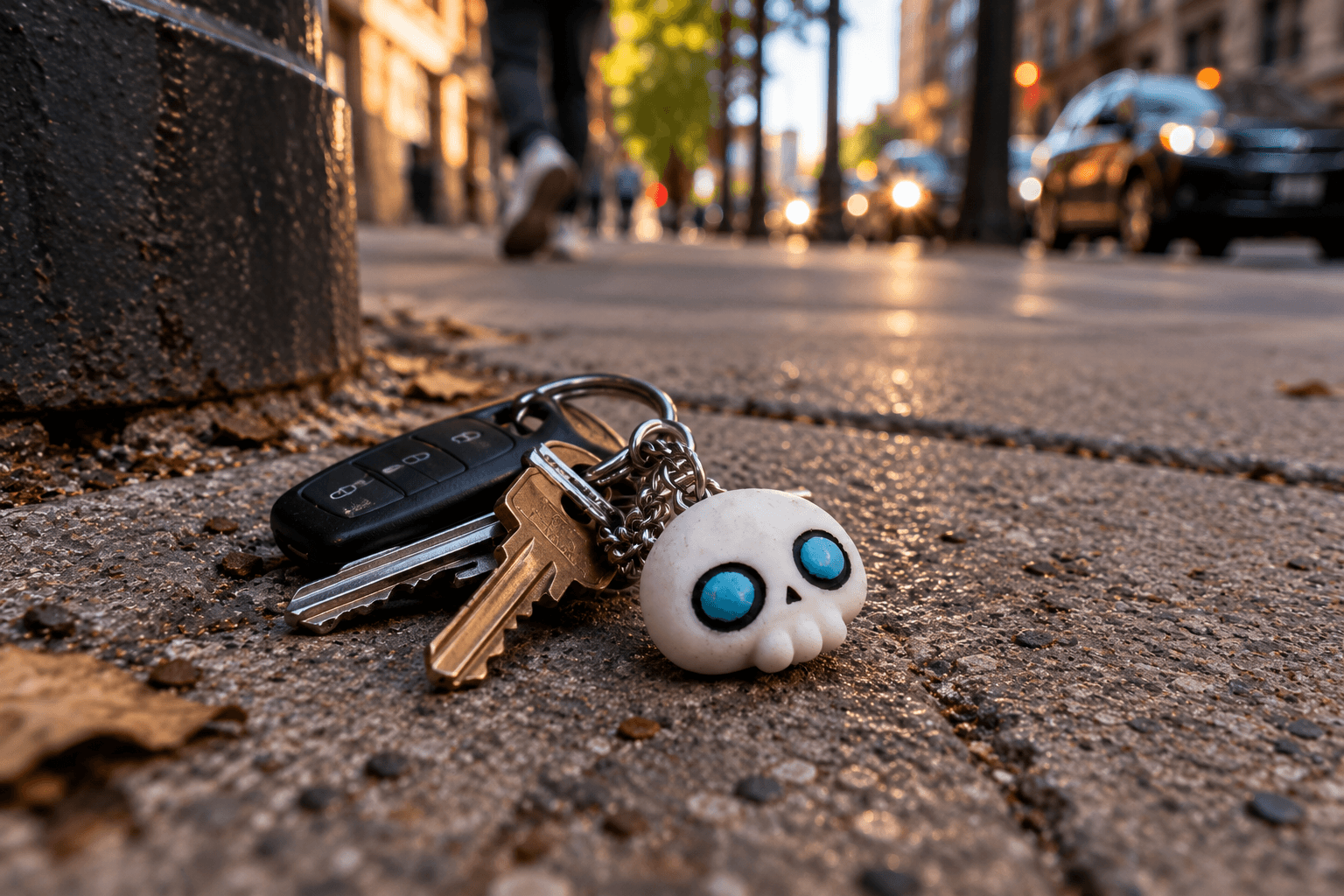
If found, contact me
Help someone return your keys or bag with a ready-to-send text. Whoever finds your keys taps the Linkzter and gets a text to you, already written, so returning them takes seconds. Use a message like "I found your keys" and leave out your home address.
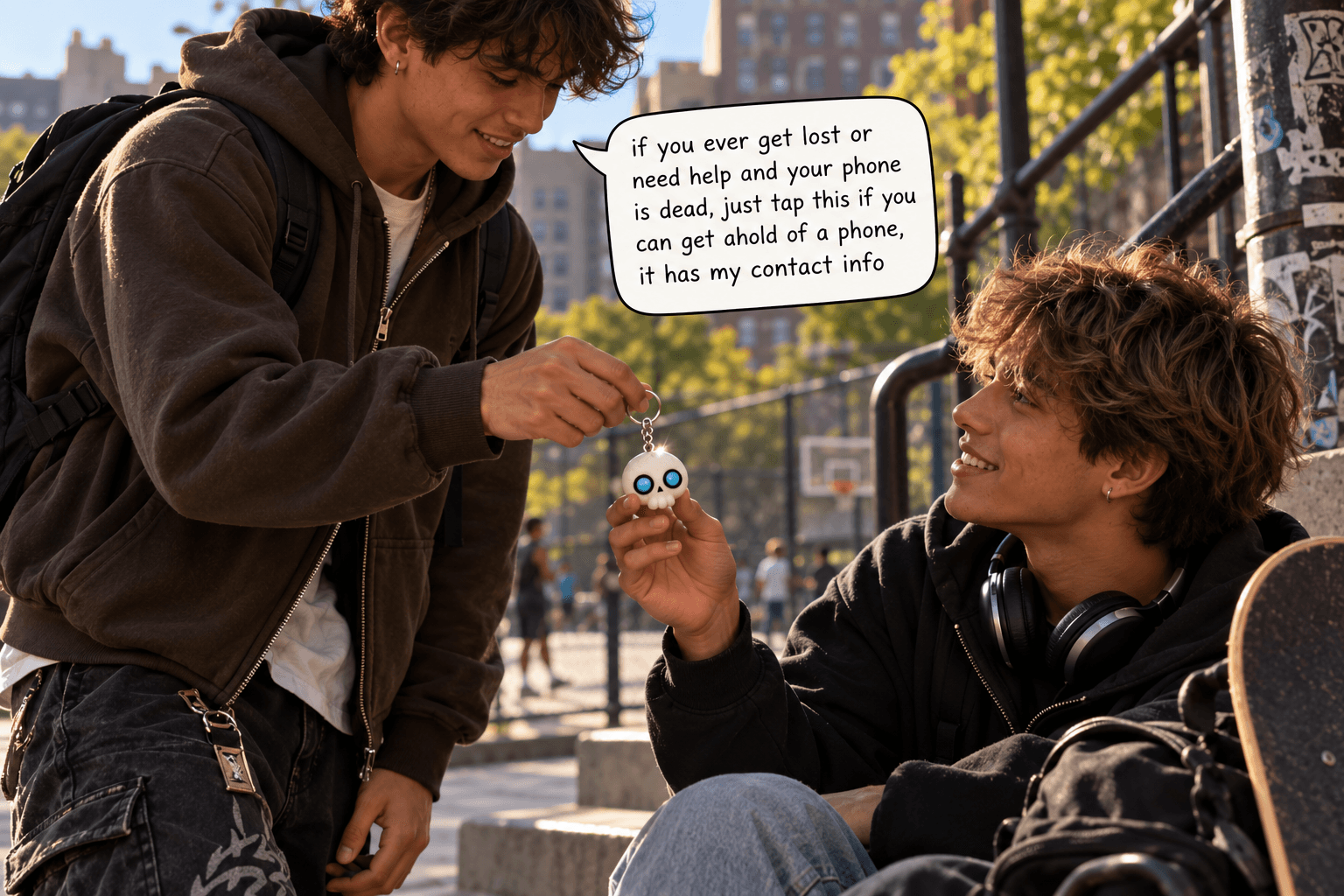
Emergency contact
Share who to call in an emergency. Keep it to the essentials. Give one to a friend, a child, or anyone who might need you in a pinch. If their phone is dead, they can tap it on any phone they borrow to get your details. Add a name and number only, and leave out your address.

Pet tag
Clip a Linkzter to a collar with your contact details for a quick reunion. If your pet wanders off, anyone who finds them can tap the tag to get your name and number. Keep a regular ID tag too, since not everyone will think to tap.
Anyone who taps your Linkzter can see what’s on it, so only share details you’re comfortable with. Safety tips
Events
Connect a crowd in seconds.
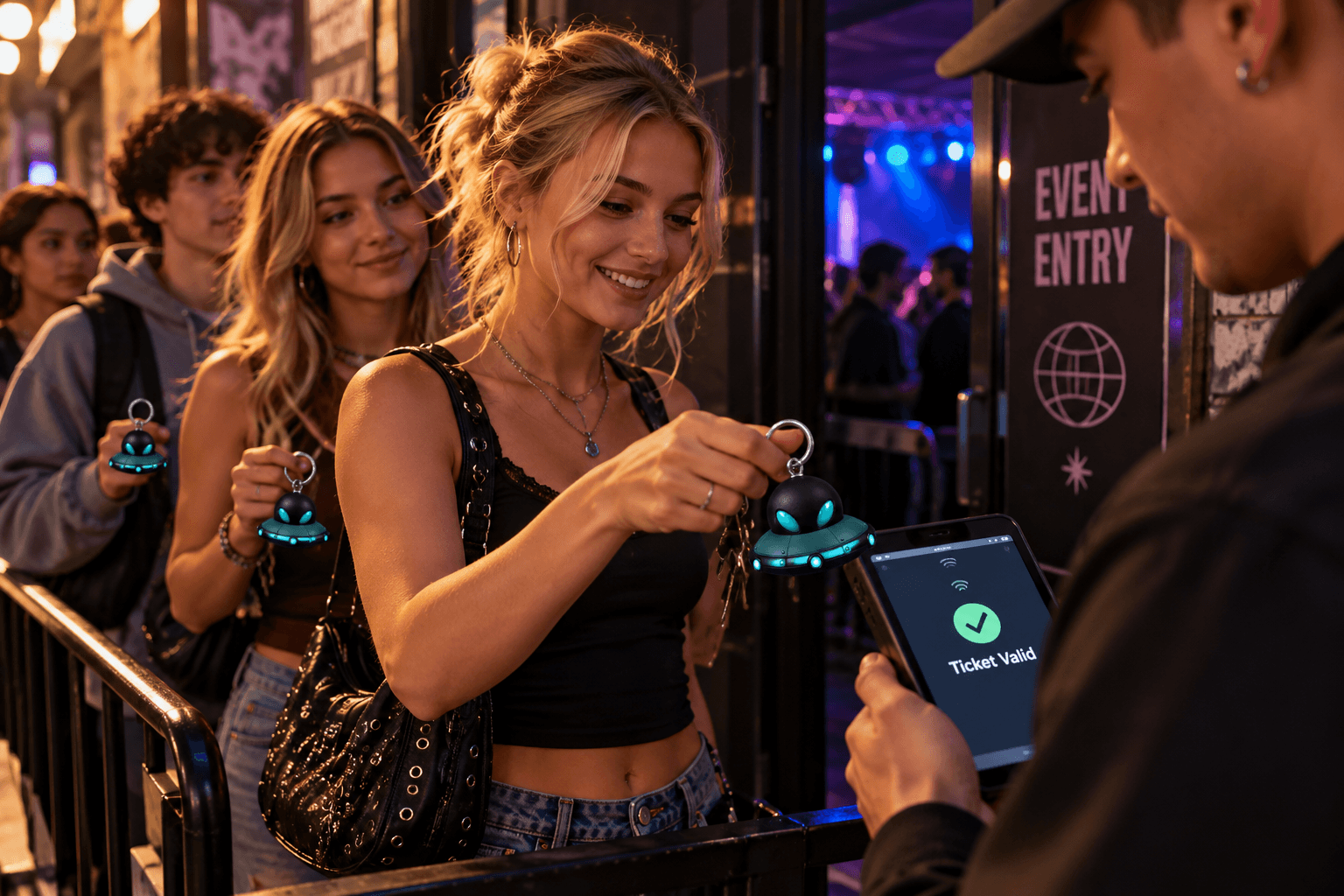
RSVP and tickets
Open your event page, sign-up form, or ticket link. Hand out Linksterz to guests that link to the event page, so the details, schedule, and ticket are always one tap away. Update the page if plans change, and every Linkzter shows the latest info.

Join the group chat
Invite people to your club, team, or class group chat. Link the invite to your WhatsApp, Discord, GroupMe, or other group chat. New members tap once and they're in, with no spelling out usernames or passing a phone around.
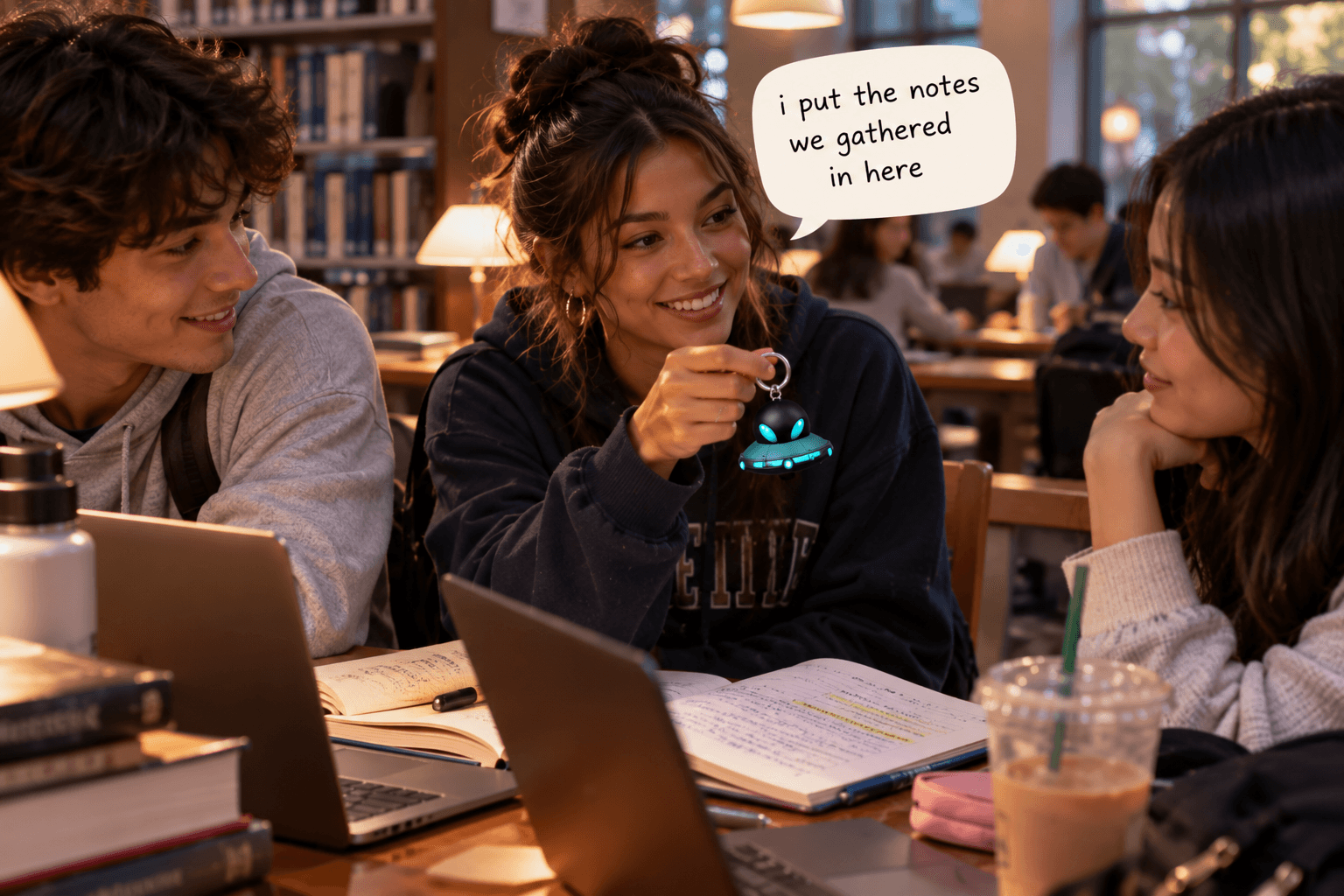
Study notes
Share notes, slides, or a study guide with classmates. Link a shared folder or doc from Google Drive, OneDrive, or Notion. Your study group taps to open it, and everyone sees the latest version as notes get added.

Conference networking
Swap contact details without exchanging paper cards. Conferences move fast. One tap saves your details to their contacts before the conversation ends, so you're not one of a hundred paper cards they lose on the way home.
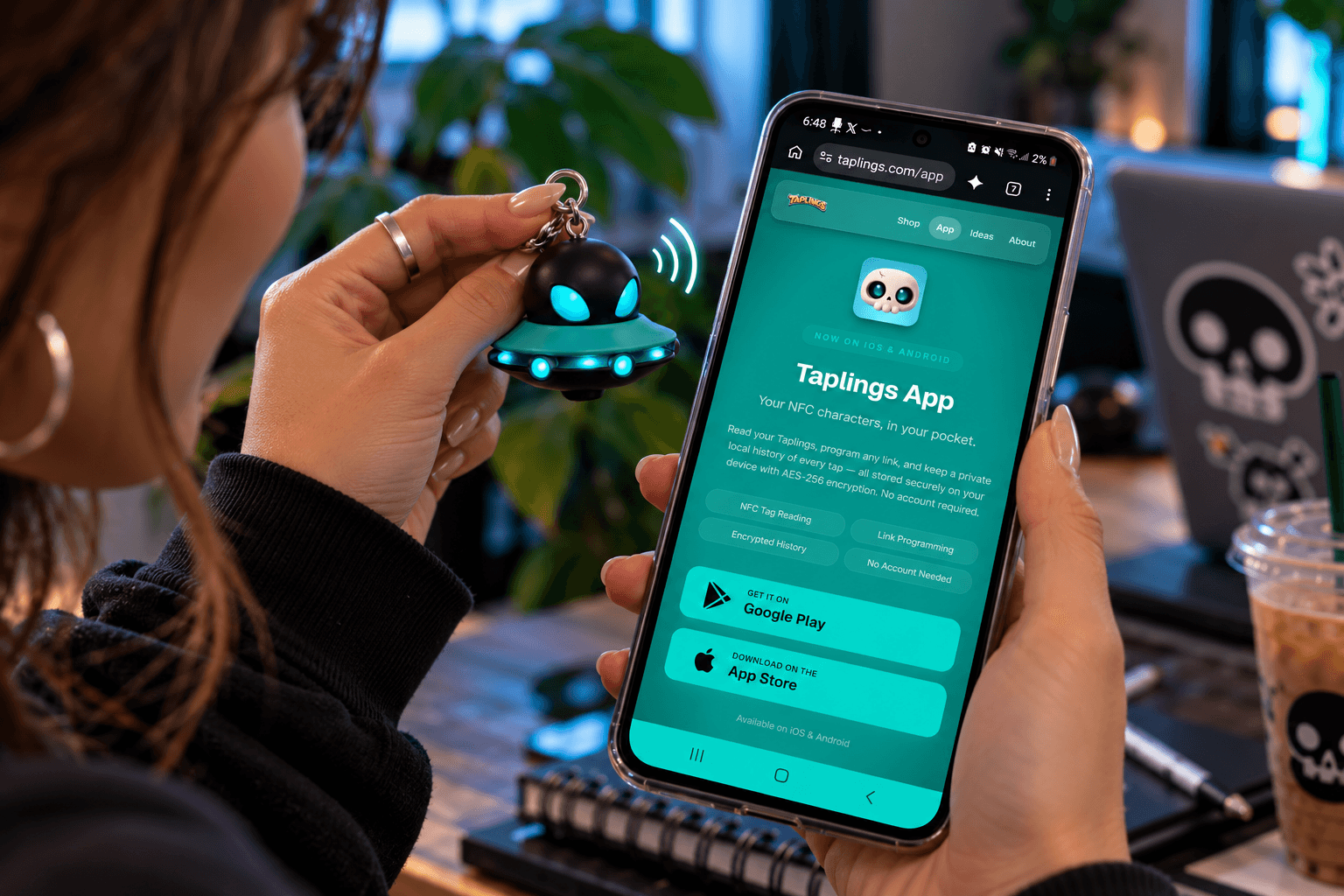
Open an app
Launch a specific app or in-app page for your team or community. Point attendees straight to your event app, a check-in screen, or a page with download links. Anyone who doesn't have the app yet can install it in a tap.
Ready to try one?
Write your first idea in seconds
with the free Linksterz app.
Social & Creators
Grow your following with a single tap.
Share your profile
Send people straight to your Instagram, TikTok, or other social profile. Copy your profile link from Instagram, TikTok, or any other app and save it to your Linkzter. One tap opens your profile on their phone, ready to follow, so there's no spelling out usernames.
Link in bio
Point to your link-in-bio page so friends find everything in one place. Already use Linktree, Beacons, or your own page? Save that one link and every tap shows all your links at once. When you change the page, your Linkzter stays up to date without rewriting it.
Your latest video
Open your newest YouTube upload or reel and update it whenever you post. Link a single video and rewrite your Linkzter in the app each time you post, or link your channel so people always land on your newest content.
Music and playlists
Share your Spotify or Apple Music playlist, album, or latest track. Save a link to a playlist, album, or track from Spotify, Apple Music, or SoundCloud. Musicians can hand out new releases at gigs, and everyone else can share the soundtrack to a road trip.
Portfolio
Show off your art, photography, or design work on the spot. Link your Behance, Dribbble, Instagram, or personal site. It's handy at art fairs, markets, and portfolio reviews, where people can browse your work while you're right there to talk about it.